
Scorevell
Play more freely.
Turn pages and mark up your music, just the way you want. A digital sheet music app for performers. No ads. (The app's screens are in Japanese.)
What you can do
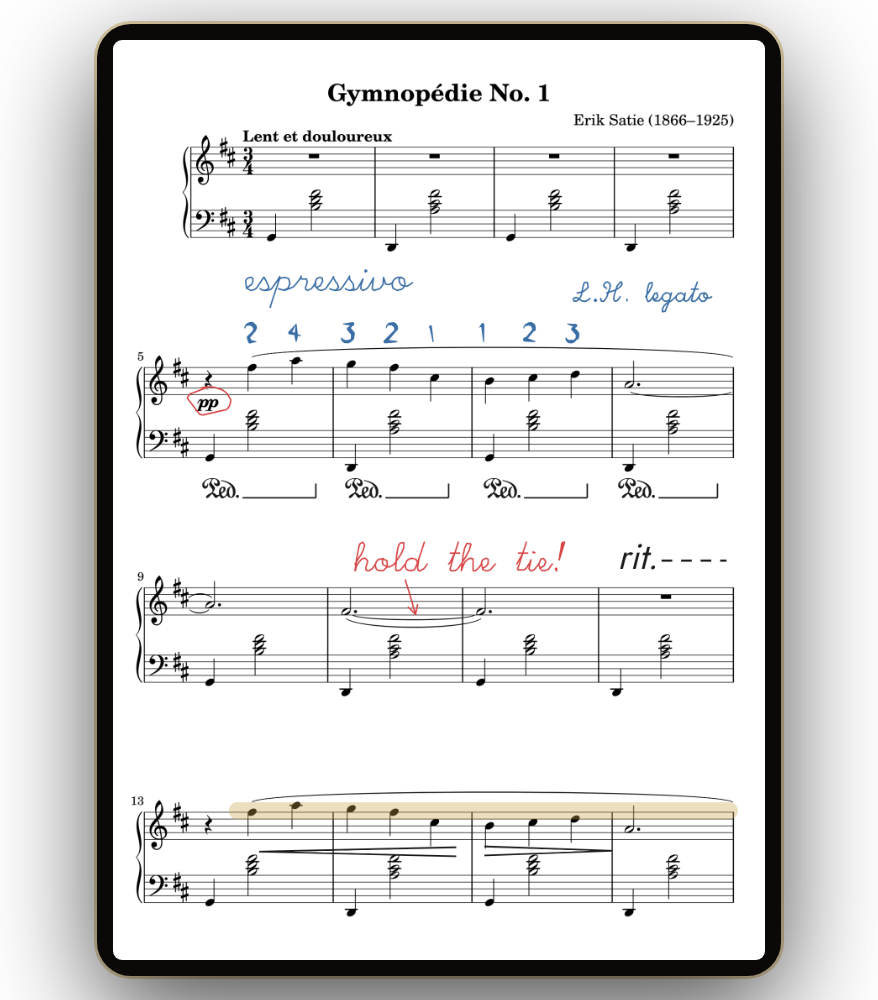
Import the PDF scores you already have and use them like paper.
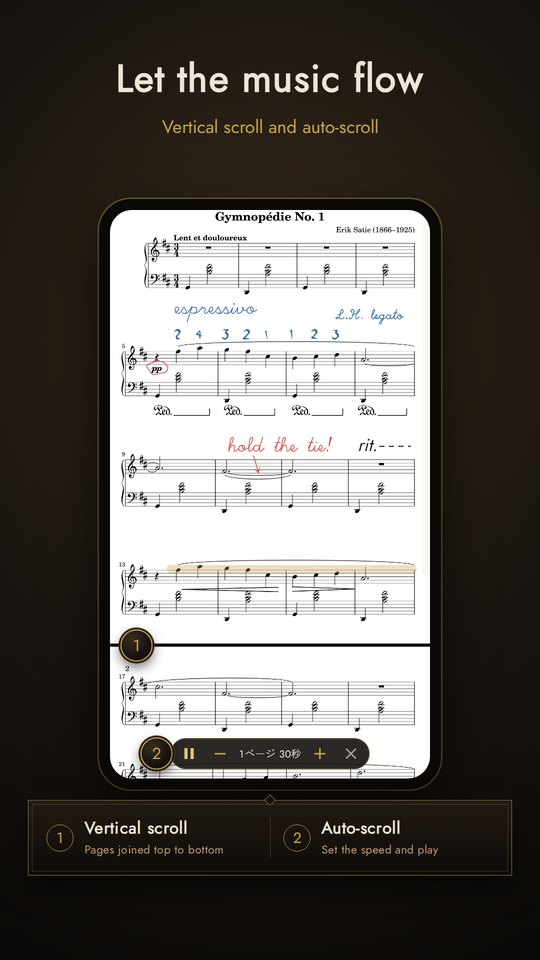
Spreads, scrolling and auto-scroll
Single pages, two-page spreads, or vertical scrolling with the pages joined top to bottom. Auto-scroll moves the music along at the speed you set. Half-page turns are available too. Automatic margin cropping (turn it on in Settings) fills the screen.
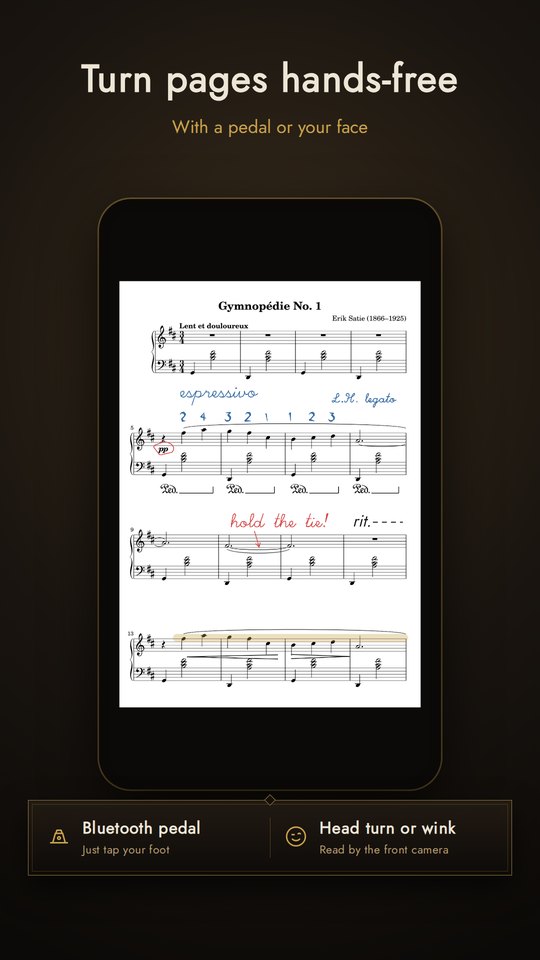
Turn hands-free
Works with Bluetooth pedals (check your key mapping on screen), or turn with a head turn or a wink using the front camera.
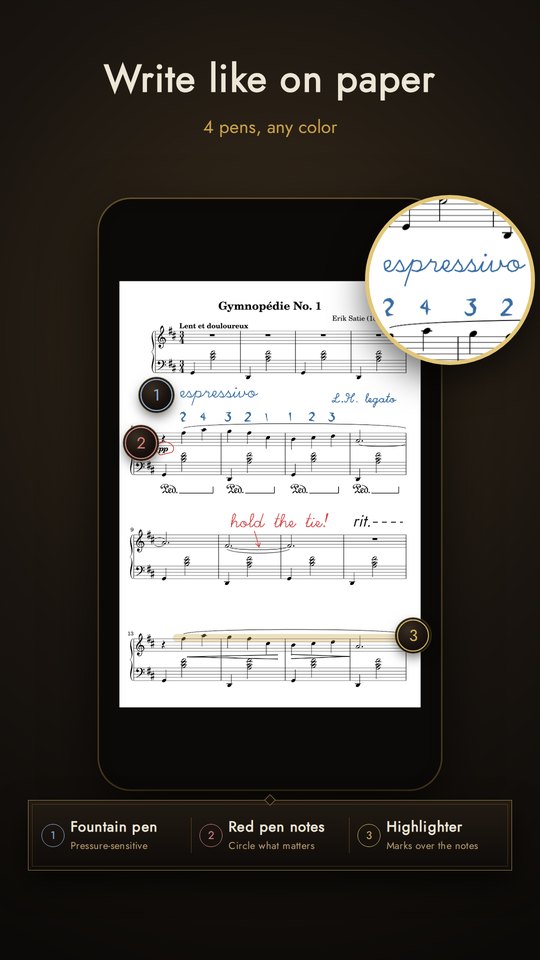
Annotate with pens
Ballpoint, fountain pen, brush pen and highlighter — the fountain and brush pens respond to stylus pressure (or to speed when writing with a finger). Straight and curved rulers, eraser, undo and redo.
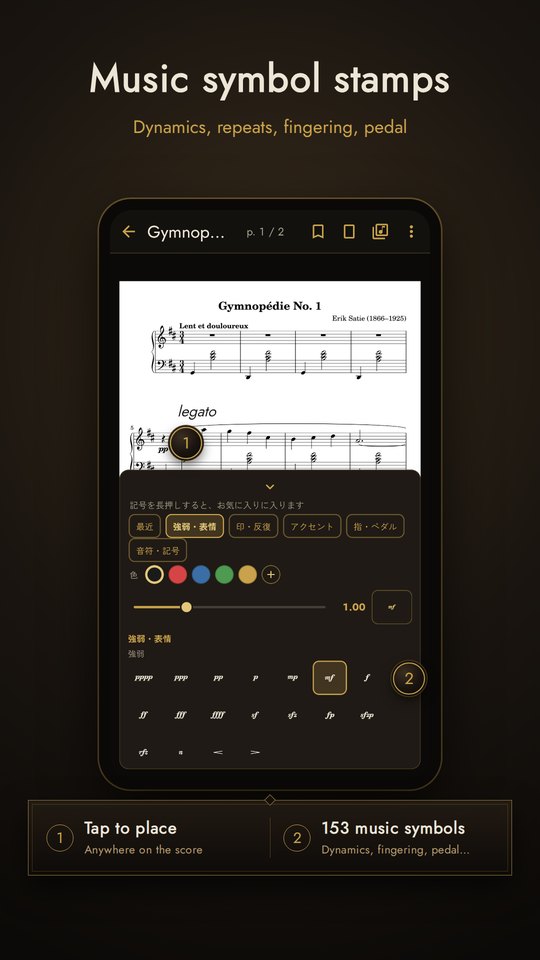
Music symbol stamps
153 symbols (280 with Pro) including dynamics, accents, fingering, pedal and repeat signs, in any color and size. Export a PDF with your annotations.
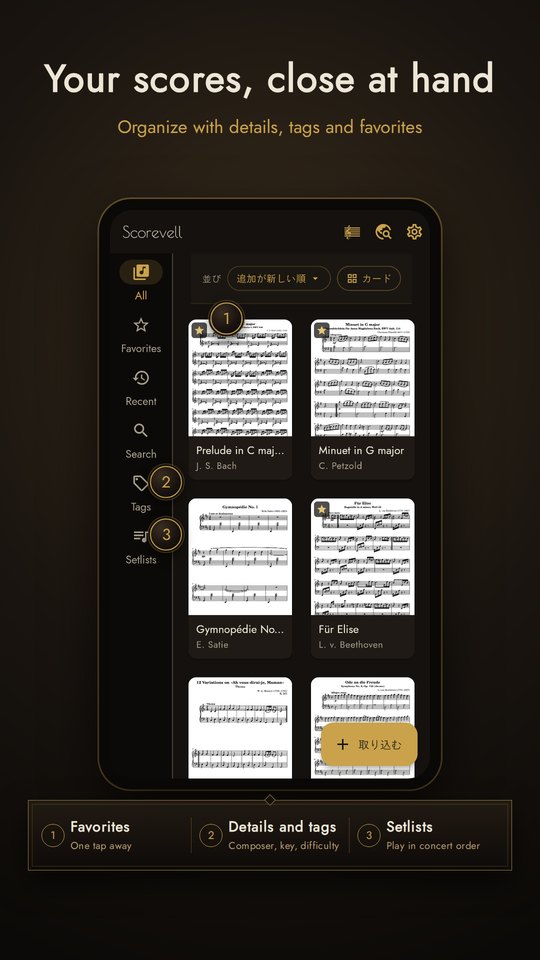
Organize and setlists
Score details (composer, arranger, opus, genre, key, tempo, difficulty…), tags, favorites and bookmarks. Setlists continue straight to the next piece after the last page.
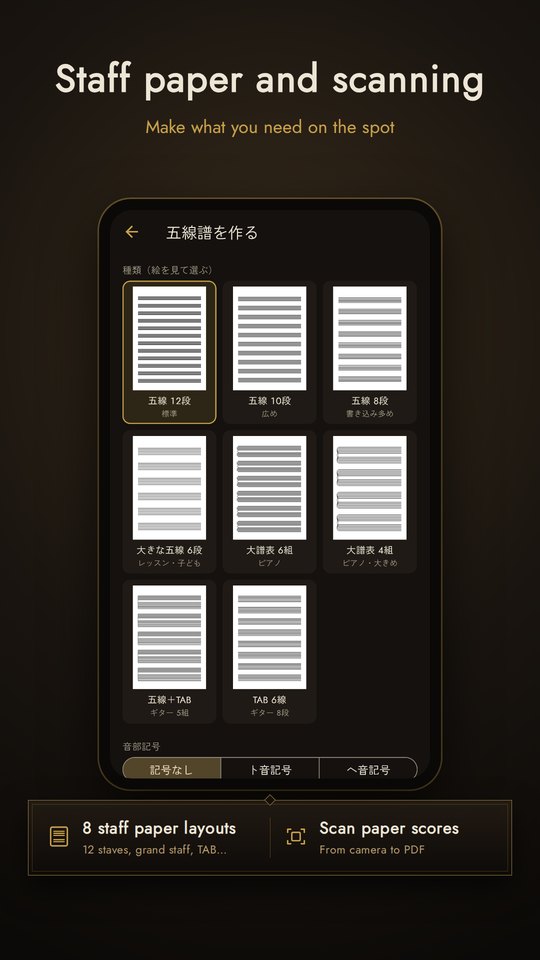
Find sheet music
Find free public-domain scores online and bring them into the app. Scan paper scores into PDFs with the camera, or create staff paper in 8 layouts.
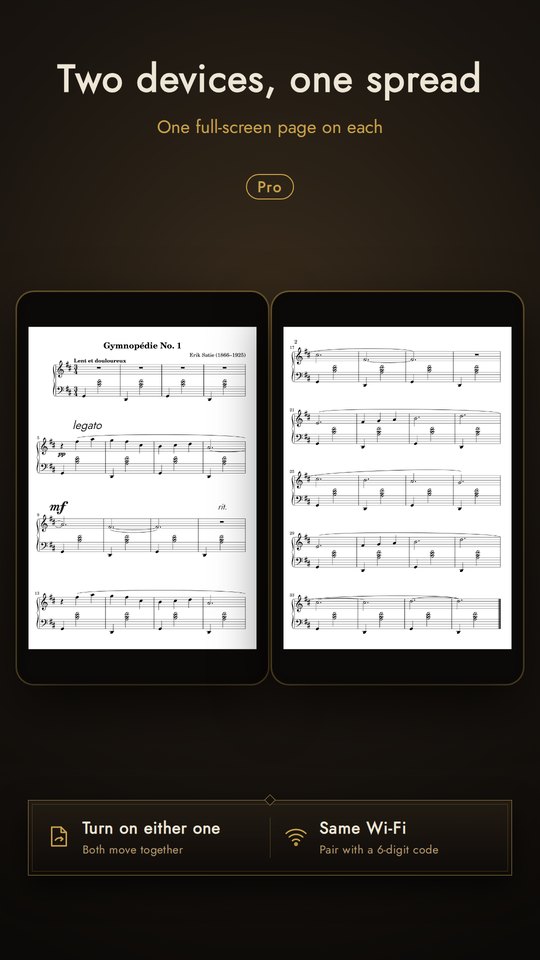
Two-device spread Pro
Place two tablets or phones side by side and show the left and right pages, each filling its own screen. Turn on either device and both move together — pedal and face page turns and setlist changes included. Both devices connect over the same Wi-Fi, and each needs Pro.
Screens
On phones and tablets.
Built to be trusted
Our privacy commitments.
Pricing
Free to download, with the core features free.
| Feature | Free$0 | ProOne-time · coming soon |
|---|---|---|
| Read and turn | ||
| Single page, spreads, half-page turns | ✓ | ✓ |
| Vertical scrolling and auto-scroll | ✓ | ✓ |
| Two-device spread (same Wi-Fi, Pro on both) | — | ✓ |
| Turn by tap or Bluetooth pedal | ✓ | ✓ |
| Face page turning (head turn, wink) | ✓ | ✓ |
| Automatic margin cropping | ✓ | ✓ |
| Links (jump to D.S. and repeat targets) | ✓ | ✓ |
| Keep the screen on while playing | ✓ | ✓ |
| Annotate | ||
| 4 pens, rulers, eraser, undo | ✓ | ✓ |
| Stylus-only drawing option | ✓ | ✓ |
| Music symbol stamps | 153 | 280 |
| Layers | 1 | Unlimited |
| Export PDF with annotations | ✓ | ✓ |
| Find and organize | ||
| Number of scores | Unlimited | Unlimited |
| Score details, tags, favorites, bookmarks | ✓ | ✓ |
| Setlists | Up to 2 | Unlimited |
| Find free sheet music | ✓ | ✓ |
| Scan paper scores to PDF | ✓ | ✓ |
| Create staff paper (8 layouts) | ✓ | ✓ |
| Practice | ||
| Metronome | ✓ | ✓ |
| Tuner | — | ✓ |
| Audio tracks (speed, A–B loop) | — | ✓ |
| Across devices | ||
| Sync score details, tags, setlists, annotations | — | Up to 2 of your devices |
Please check the store listing for prices and details at release. Payments are handled by Google Play and the App Store.
Support
For questions or bug reports, please email us.
- Where are my PDF scores stored?
- On your device. Your PDF scores are never sent to our servers.
- Can I use it on a new phone or a second device?
- Sign in to sync score details, tags, setlists and annotations across your devices (Pro). PDFs are never uploaded: import the same PDF on each device and your annotations attach to it.
- I can't select text in an exported PDF.
- PDFs with annotations are exported with each page as an image, so text can't be selected or searched.
- What are the requirements?
- Android 7.0 or later. The iPhone and iPad version is in preparation.
- My pedal doesn't turn pages.
- Open Settings [設定] → Page-turn pedal [譜めくりペダル] to check which keys arrive. Also check your pedal's manual for "keyboard mode".
- How do I delete my account?
- In the app, go to Settings [設定] → Account and sync [アカウントと同期] → Delete account [アカウントを削除]. See Deleting your account for details.
About us
| Operator | NOURETE |
|---|---|
| Business | Development and sale of smartphone applications |
| App | Scorevell (Android; iPhone & iPad in preparation) |
| Contact | support@scorevell.com |
| Name, address, phone | Provided without delay upon request |